How does the app work?
This damage control app is ideal for fleet managers who want to register vehicle damage in a user-friendly way. Plus, the app is completely free to use.
1. Install the app
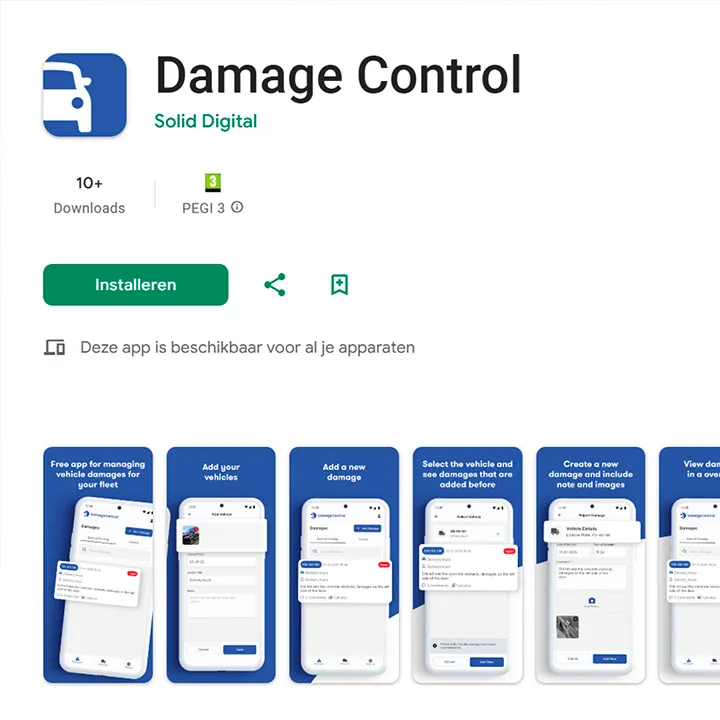
Download Damage Control from the Google Play Store whether Apple App Store depending on the type of phone you have. You can recognize the app by the blue icon with a partial car. Or scan the QR code at the top of this page with your mobile phone.
2. Create an account
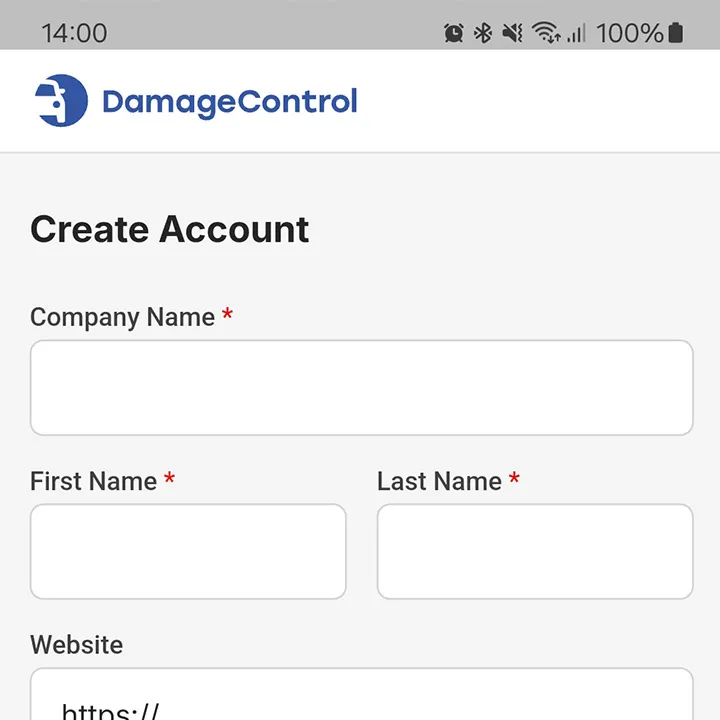
After installation, you can easily create an account. Fill in the required details and any additional information. We treat your information confidentially and do not share it with third parties.
3. Add vehicles
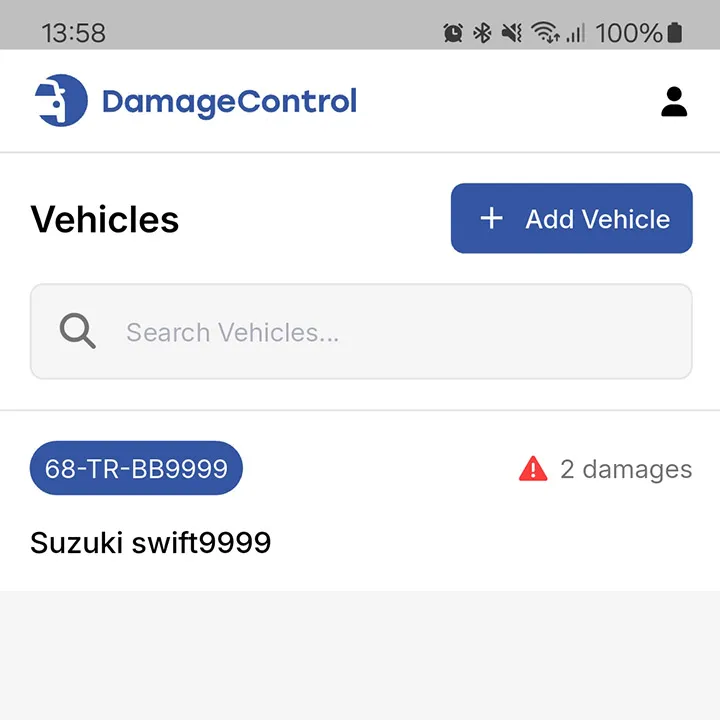
Register vehicles by adding the license plate number, a description and optionally a photo. No license plate?
Vehicles without a license plate or objects in, for example, a warehouse can also be added.
Are you a fleet manager? Simply share
the vehicle list with employees via the QR code in the app (found under “Settings”). Specific instructions can be found here.
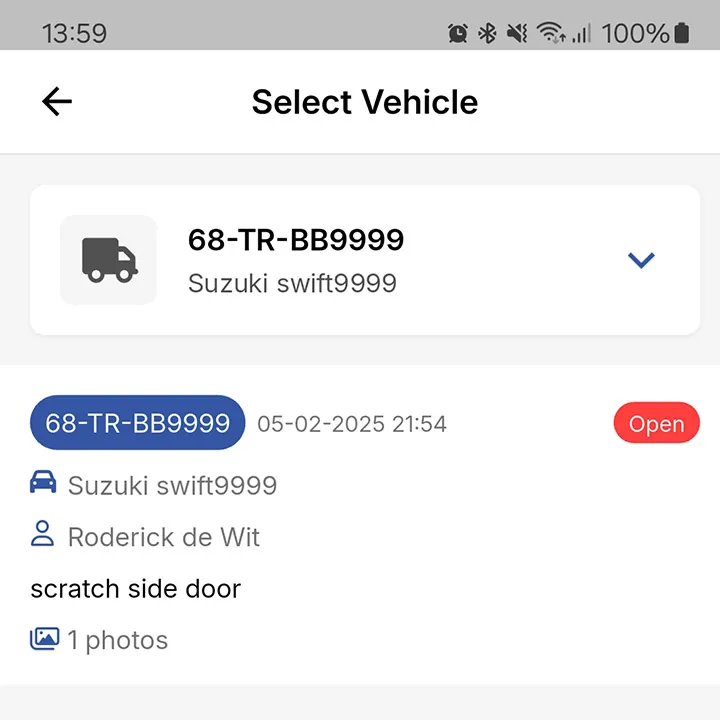
4. Registering damage
Select a vehicle to report damage. Already known, unresolved claims are shown first, so that duplicate reports
are prevented.
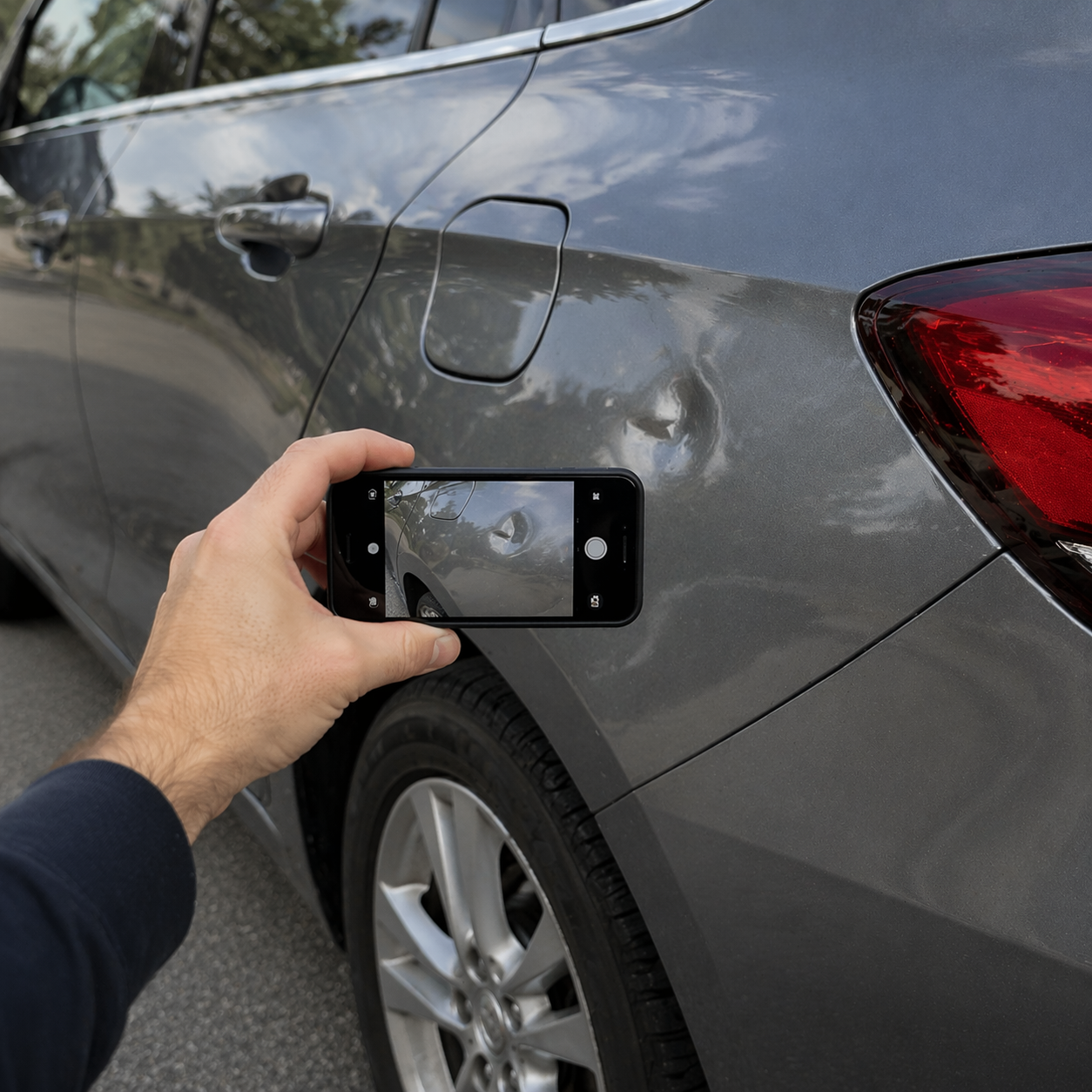
New damage? Take a photo, add a description, and save the notification. Shared vehicles also show damage data
entered by other users.
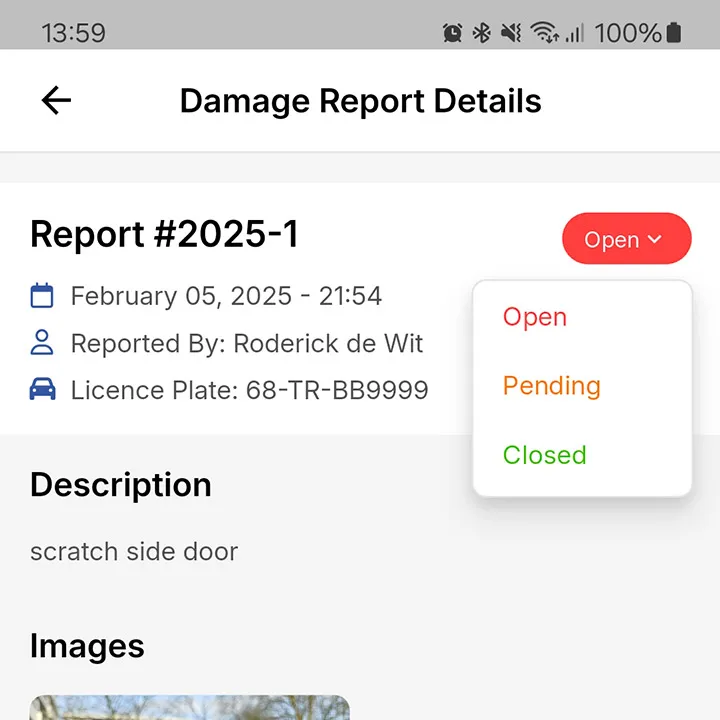
5. Managing and handling vehicle damages
In addition to registration, you can easily manage claims. Click on a damage and change the status or add notes. Settled claims are no longer listed as active.
For fleet managers: share vehicle list
As a fleet manager, do you want to share the vehicle list without manually adding it per user? Follow these steps:
Contact us
Do you want to link damage data to your own system or do you have suggestions for improvements? Get in touch with us! We have extensive experience with system integrations and are open to feedback.
Solid Digital B.V.
Franciscusweg 219
1216 SE Hilversum
The Netherlands